Software Reviews
Best Receipt-Scanning Apps for Tax Season
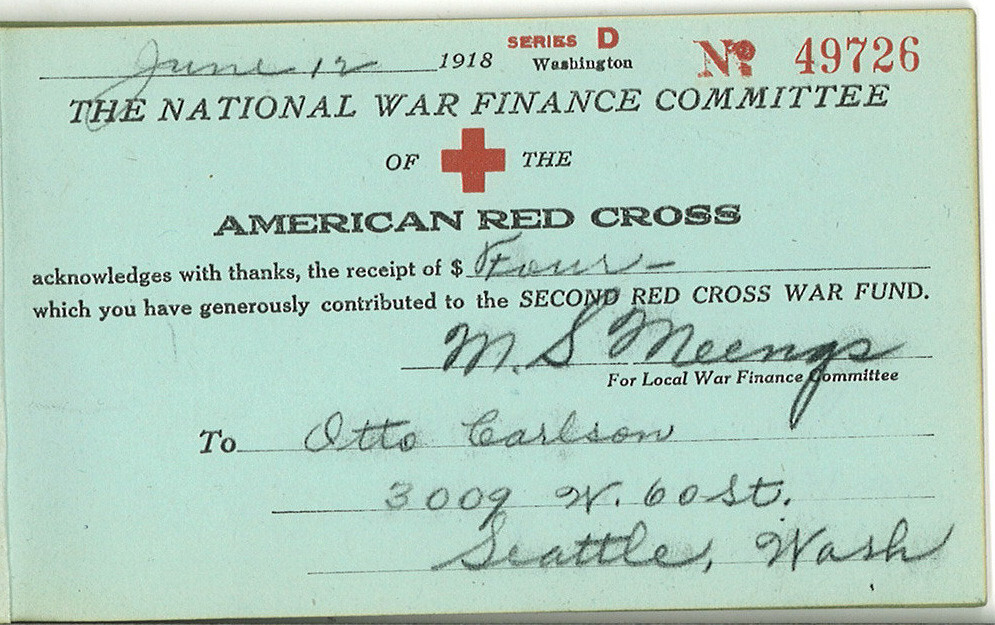
A faded paper receipt is the single most common casualty of a busy freelance year. A scanning app fixes that in seconds, not months later.


Paper receipts fade, get lost, and pile up — exactly the opposite of what you want for tax documentation. A receipt-scanning app solves this at the moment of purchase, which is also the easiest moment to actually do it.
What actually matters in a receipt app
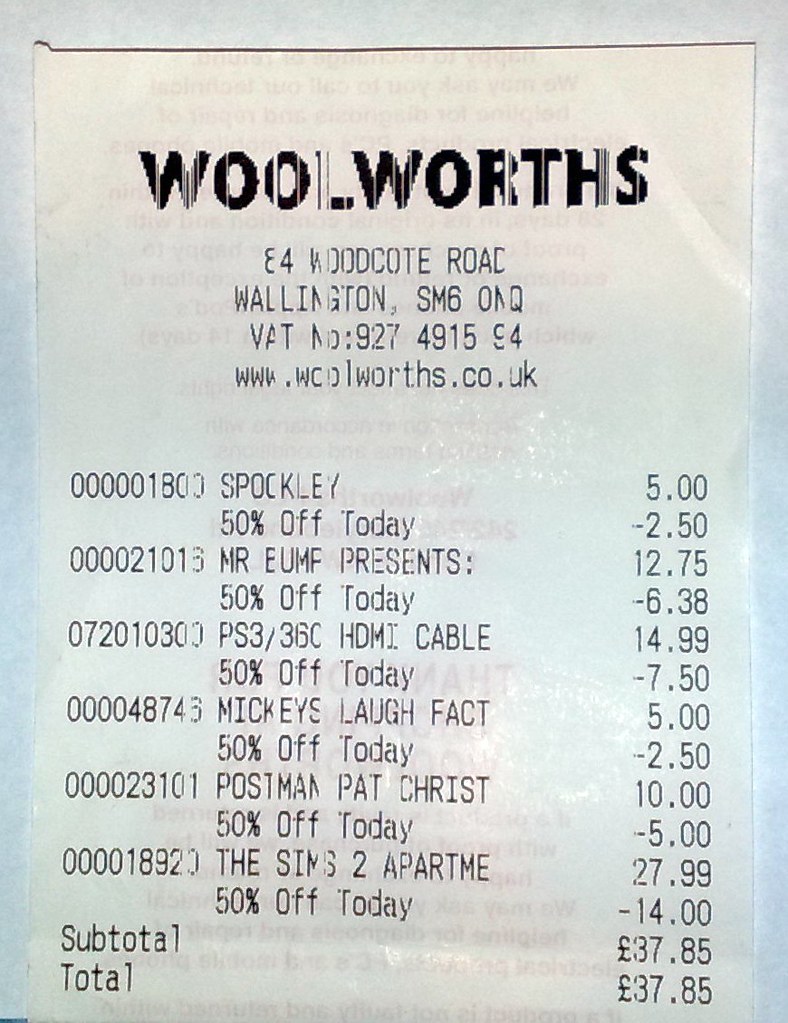
- OCR (text recognition) accuracy — the app should correctly pull the merchant, date, and amount automatically, not just store a photo.
- Accounting software integration — syncing directly with your bookkeeping tool (see our Software Reviews) means a scanned receipt becomes a categorized transaction without manual re-entry.
- Cloud backup — a scanned receipt is only as useful as its long-term storage; local-only storage risks the same loss as a paper original if a phone is lost or damaged.
- Category tagging — matching to your deduction categories as you scan saves time at tax season.
Does a scanned receipt count as documentation
Yes — the IRS accepts electronic records, including scanned or photographed receipts, as valid documentation, provided the image is legible and captures the necessary details (merchant, date, amount, and business purpose). This has been standard guidance for years and removes any need to keep the fading paper original once it's been captured digitally.
Building the habit that actually matters
The best app doesn't help if the habit doesn't stick — scanning a receipt the moment you receive it, rather than saving a pile to deal with later, is what actually prevents the year-end scramble. Most apps are designed for this exact moment: open the app, snap the photo, done in under ten seconds.
Free Agent Finance Editorial Team
Independent guidance; see our Affiliate Disclosure. Have a correction? Let us know.